Your next prayer, always one glance away.
Add the HayatTime widget to your Home Screen or Lock Screen and you'll always know the next prayer and how long you have - no need to open the app, no need to check the time and do the mental math yourself.
Choose the view that keeps you connected
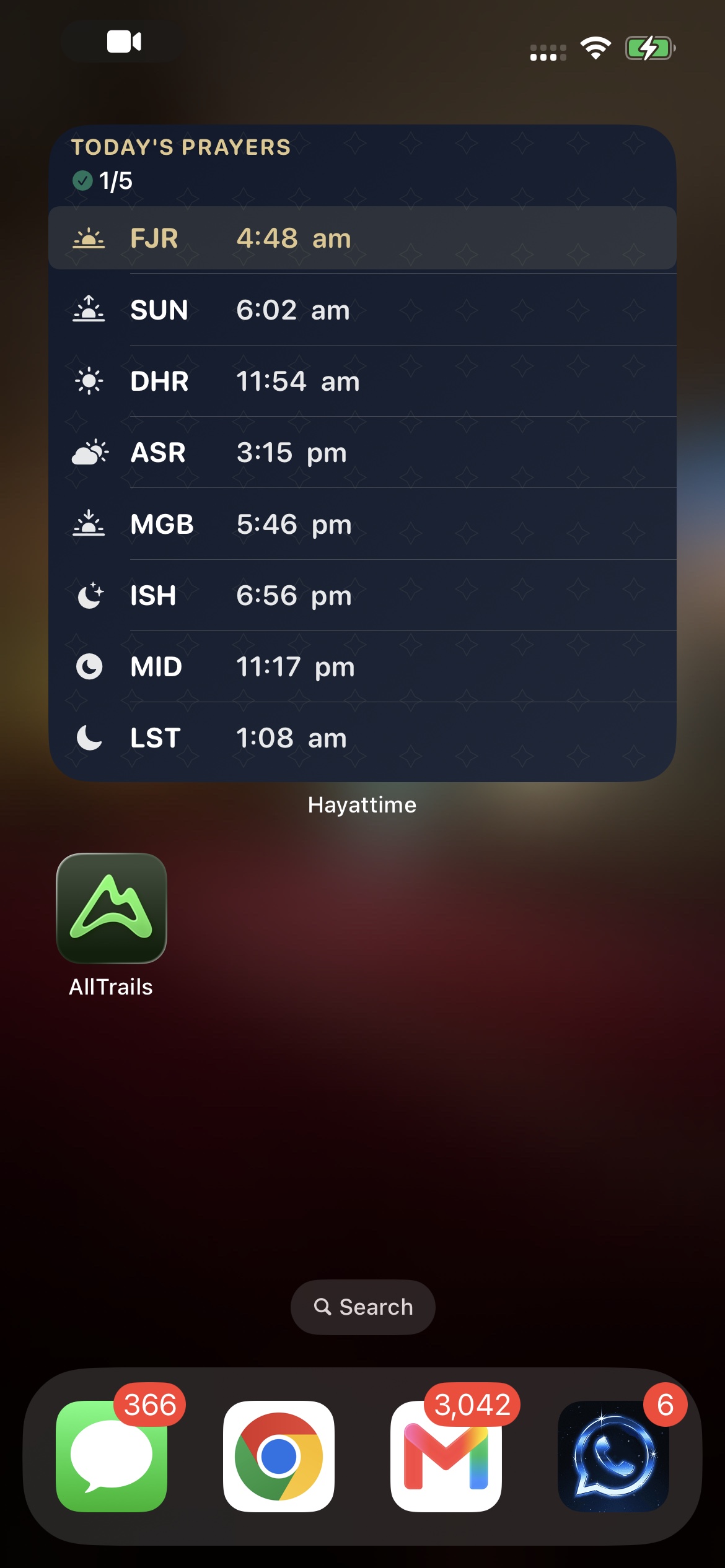
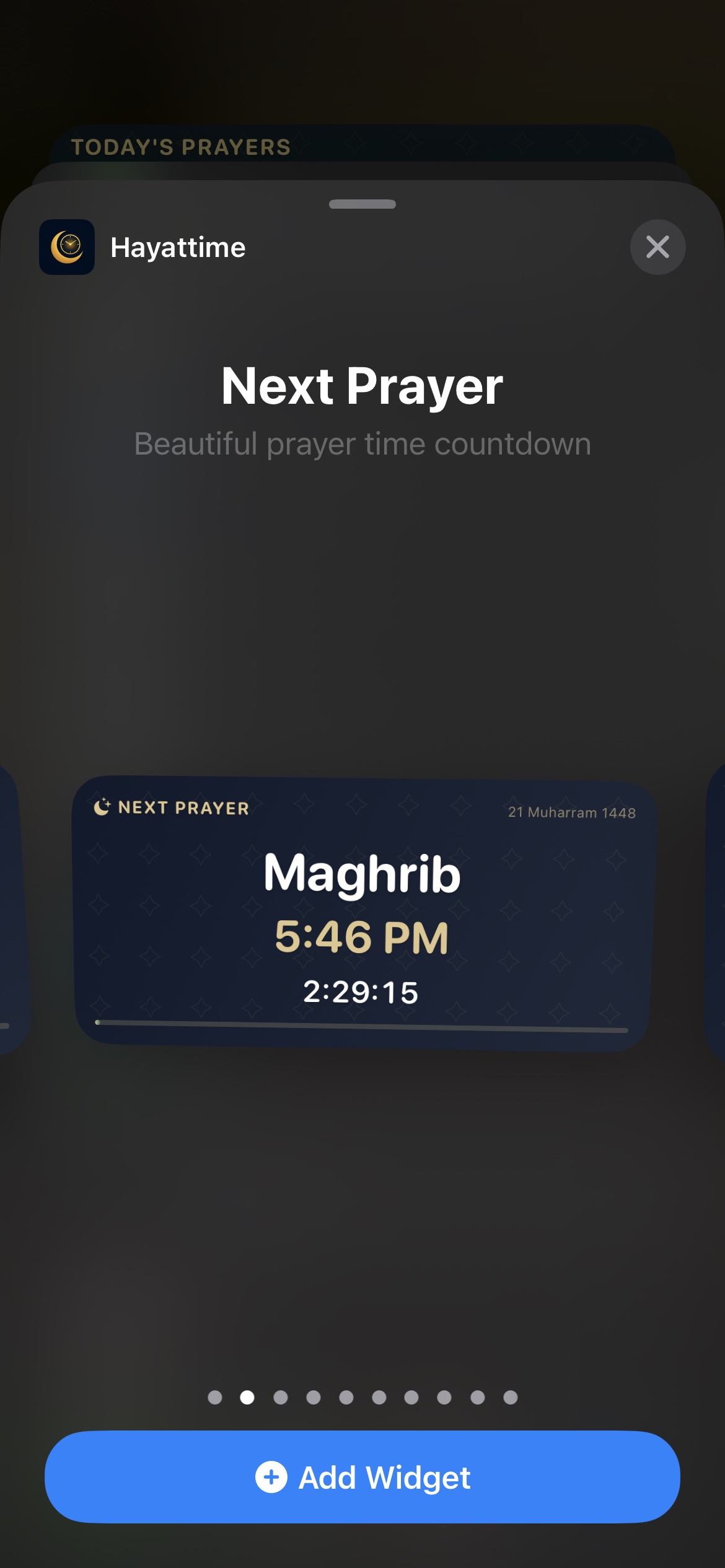
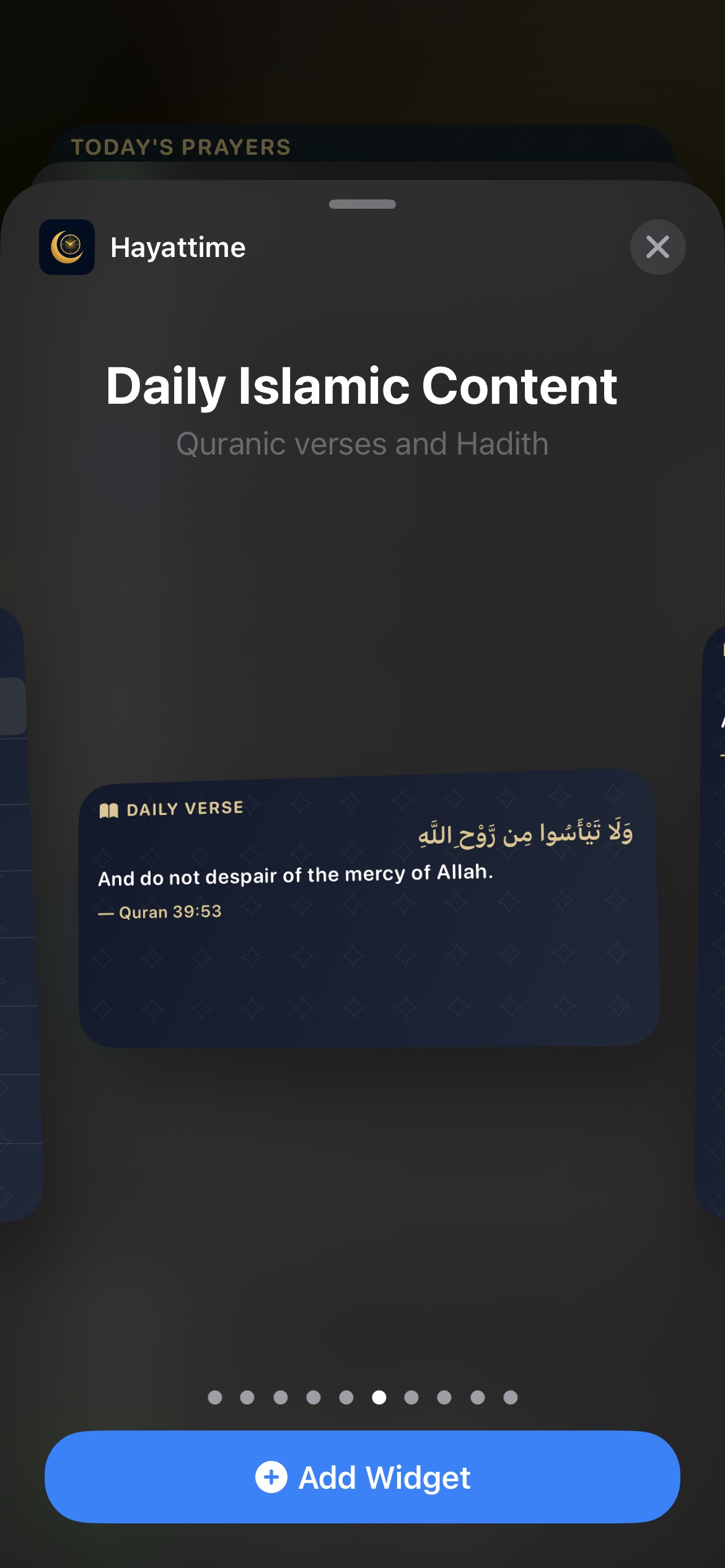
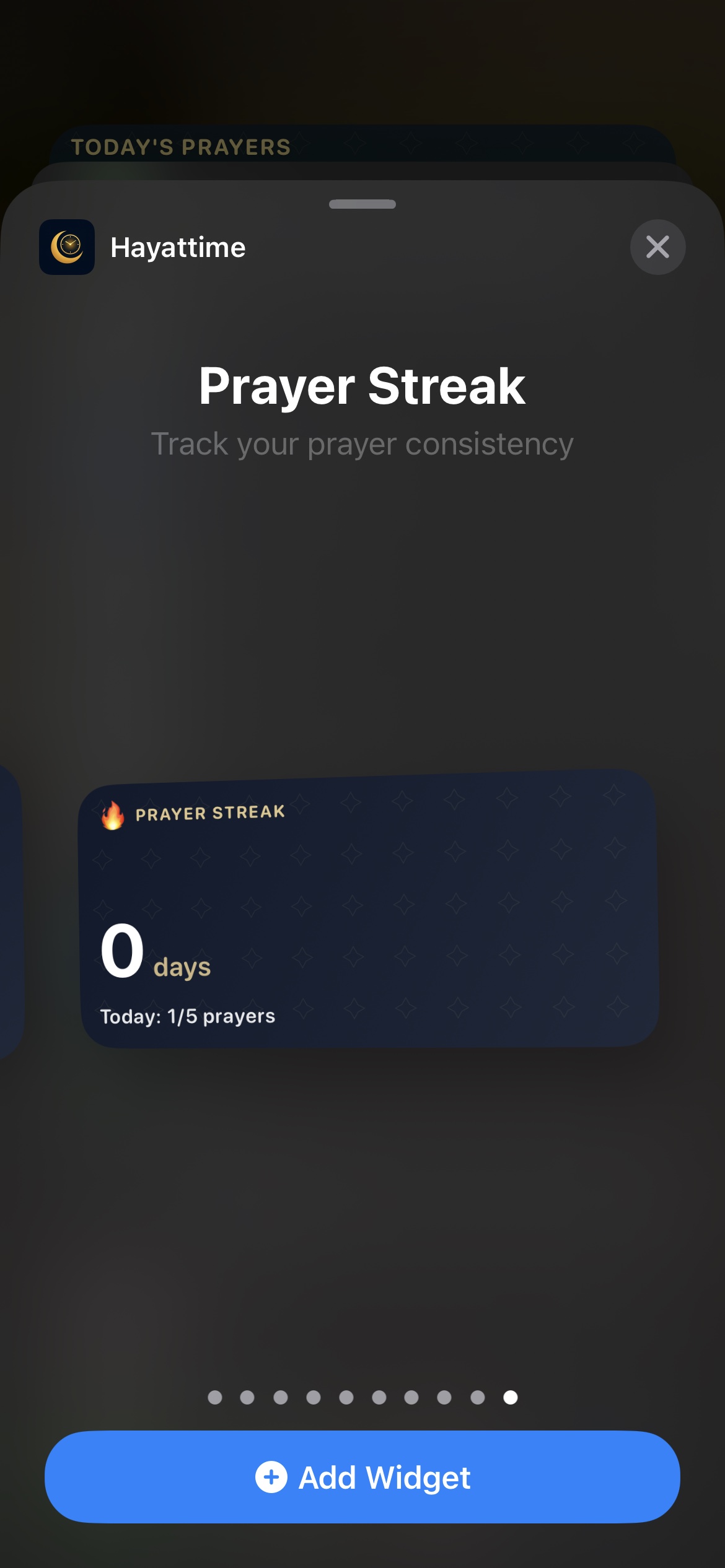
These are the live HayatTime widgets in iOS, using real prayer times and progress from the app.
How to add a prayer time widget to your iPhone
Takes under a minute, and you only do it once.
Open HayatTime once
Install the app and let it calculate your prayer times from your location - it only needs to run once for the widget to have data.
Jiggle mode
Touch and hold an empty spot on your Home Screen until the icons jiggle, then tap the + in the top-left corner.
Search & add
Search "HayatTime", swipe to pick a size - small shows the next prayer, medium shows all five - then tap Add Widget.
Adding it to your Lock Screen too
Touch and hold your Lock Screen, tap Customise, tap the widget area beneath the clock, and select HayatTime from the list. Home Screen and Lock Screen widgets run independently, so you can show different information (or different sizes) on each.
Three sizes, all live
Small - next prayer
The upcoming prayer's name and a live countdown, so you always know how long you have before the adhan.
Medium - the full day
All five daily prayer times laid out at once, with the current or upcoming one highlighted, so you can plan your whole day without opening the app.
Common questions
How do I set prayer time widgets on my phone?
Install HayatTime and open it once. Touch and hold an empty Home Screen area until apps jiggle, tap the + button, search "HayatTime", pick a size, and tap Add Widget. For the Lock Screen, touch and hold the Lock Screen, tap Customise, and add HayatTime under the clock.
Can I add the widget to my Lock Screen as well as my Home Screen?
Yes, both work independently and can show different sizes.
Does the widget update automatically?
Yes - it refreshes as each prayer passes and recalculates automatically if your location changes.
Why does my widget show the wrong prayer time?
Almost always a calculation method mismatch. In HayatTime's Settings, check your calculation method (Muslim World League, ISNA, Umm al-Qura, etc.) and your Asr setting (Hanafi or Shafi'i) against what your local mosque uses. You can also apply manual minute adjustments.