The adhan sounds. Your apps go dark.
Choose the apps that pull you away - Instagram, TikTok, YouTube, games - once, in advance. HayatTime locks them automatically at all five daily prayer times, enforced through Apple's own Screen Time framework.
A clear pause at the moment it matters
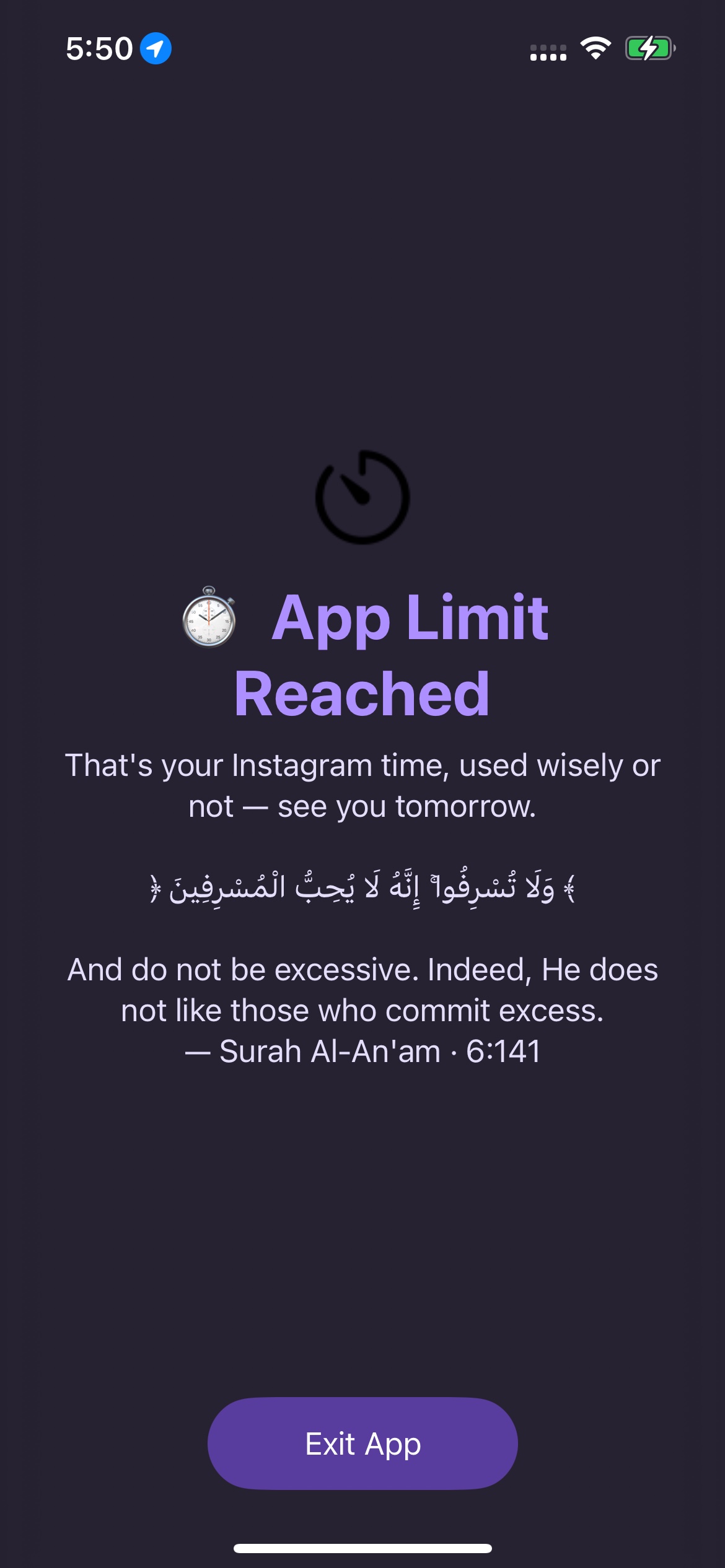
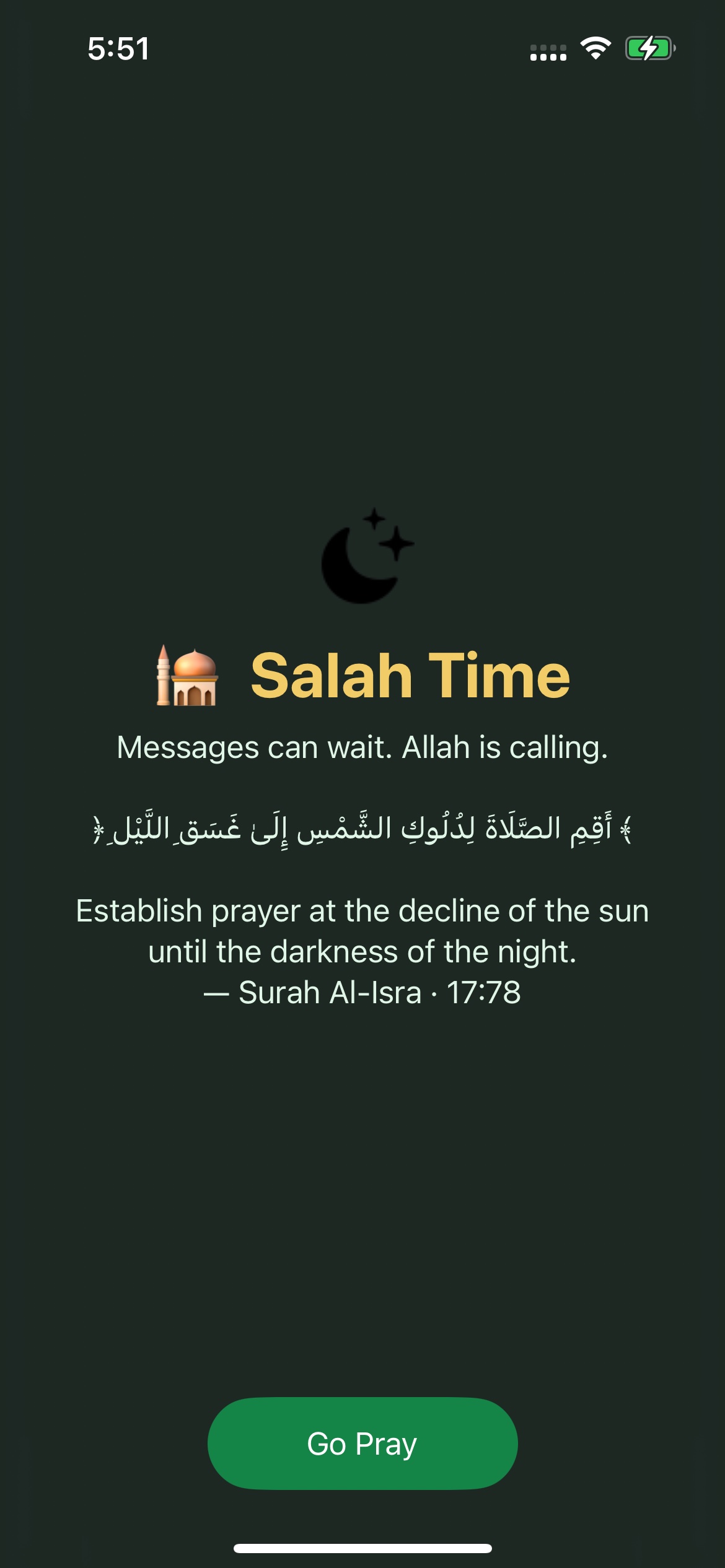
Instead of opening the distraction, your iPhone shows a focused reminder to step away or go pray.
Decide once, while your iman is high
Nobody opens Instagram at Maghrib intending to miss the prayer. It's rarely a decision at all - the app opens, the feed loads, and twenty minutes disappear. Research on habit change consistently finds that removing the moment of choice works better than relying on willpower in the moment. HayatTime lets you make the call once, in advance, and enforces it automatically every time.
Pick your apps once
Open Salah Mode in HayatTime and select whichever apps tend to swallow your time. Most people choose Instagram, TikTok, YouTube and messaging apps - you choose exactly what fits your life.
Set your window
Decide how long each prayer's block should last - typically 10 to 20 minutes, enough for wudu and the prayer itself without feeling rushed.
It locks automatically
At each of the five daily prayer times, HayatTime shields your chosen apps. Instead of opening, they show a full-screen verse or dua until the window ends.
Built on Apple's Screen Time framework, not a workaround
Plenty of "app blocker" apps are just a timer with a nag screen you can dismiss in one tap. Salah blocking is built on Apple's Family Controls and ManagedSettings frameworks - the same technology parents use to restrict a child's device - applied here to your own apps, on your own schedule.
Because the restriction is registered with iOS itself rather than run by HayatTime in the foreground, it doesn't depend on the app staying open, and deleting HayatTime doesn't quietly unblock everything either - the restriction was set at the operating system level. This is also why the block can't simply be swiped away like a notification: the OS itself is preventing the app from opening.
You can set up salah blocking, general "Focus Hub" blocking for other times of day, and per-app daily time limits independently, so your evening scroll limit and your Salah blocking list don't have to be the same apps.
Common questions
Is there an app that blocks other apps during prayer times?
Yes - that's exactly what salah blocking does. Choose your apps once, and HayatTime shields them automatically at all five daily prayer windows using Apple's Screen Time framework.
Can I just delete HayatTime to get around the block?
The restriction is enforced by iOS itself, not by HayatTime running in the foreground, so removing the app does not automatically unblock your selected apps.
How long does the block last for each prayer?
You control it - most people choose 10 to 20 minutes per prayer. It starts at the prayer's calculated time and lifts automatically once the window ends.
What do I see instead of the app when it's blocked?
A full-screen shield with a rotating Quranic verse, hadith, or dua, plus which prayer is active and how long the block lasts.
Does salah blocking work offline?
Yes. Prayer times are calculated on-device, and the Screen Time restrictions are scheduled locally, so it works without an internet connection.